Not default-allow
Most local stacks let bad IAM “succeed.” We run IAM_ENFORCEMENT=1 — AccessDenied when the policy is wrong, like AWS.
Real APIs, a grey-rose console on localhost, and IaC against profile local — then deploy the same shape to real AWS. Not affiliated with Amazon Web Services.
Bring the account up, open the console, talk to it with the AWS CLI:
mkdir -p ~/.stackwrangler ~/.aws
docker pull ghcr.io/kgz/stackwrangler:latest
docker run --rm --network host \
  -v /var/run/docker.sock:/var/run/docker.sock \
  -v "$HOME/.stackwrangler:/data" \
  -v "$HOME/.aws:/root/.aws" \
  ghcr.io/kgz/stackwrangler:latest up
# → http://127.0.0.1:3000aws --profile local s3 ls
aws --profile local \
--endpoint-url http://127.0.0.1:4566 \
lambda list-functionsNot default-allow
Most free emulators default-allow IAM. stackwrangler enforces (IAM_ENFORCEMENT=1) so bad policies fail locally — then harden with patches, console, and parity checks. LocalEmu is the engine; stackwrangler is the product. Compare · Use cases · not Cloudflare Wrangler.
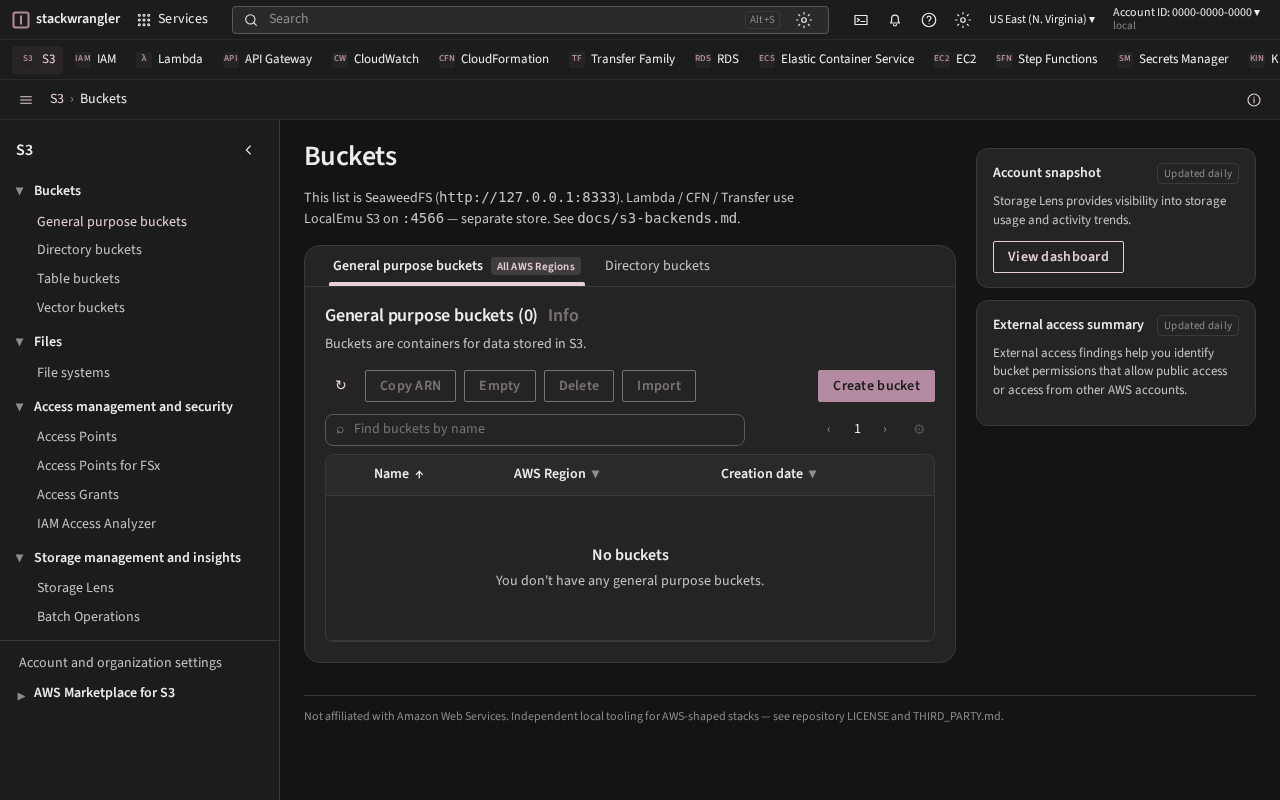
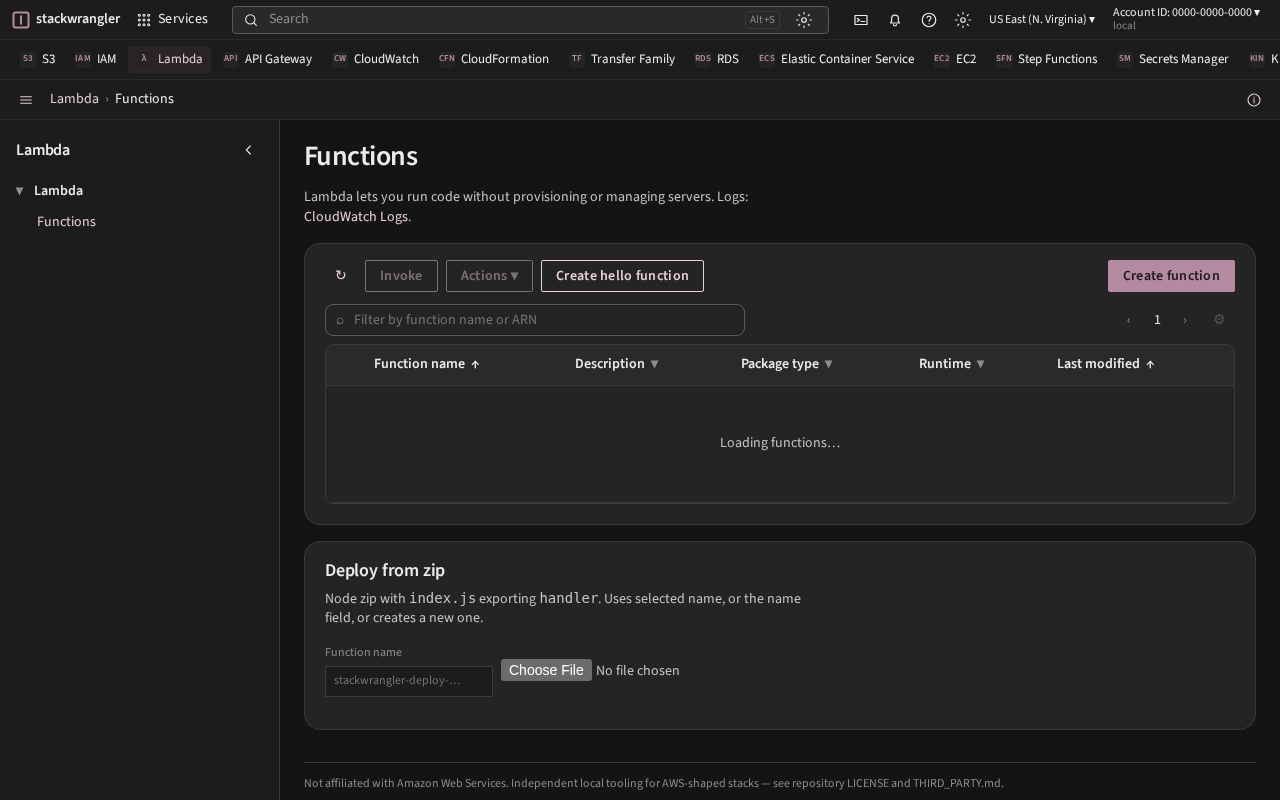
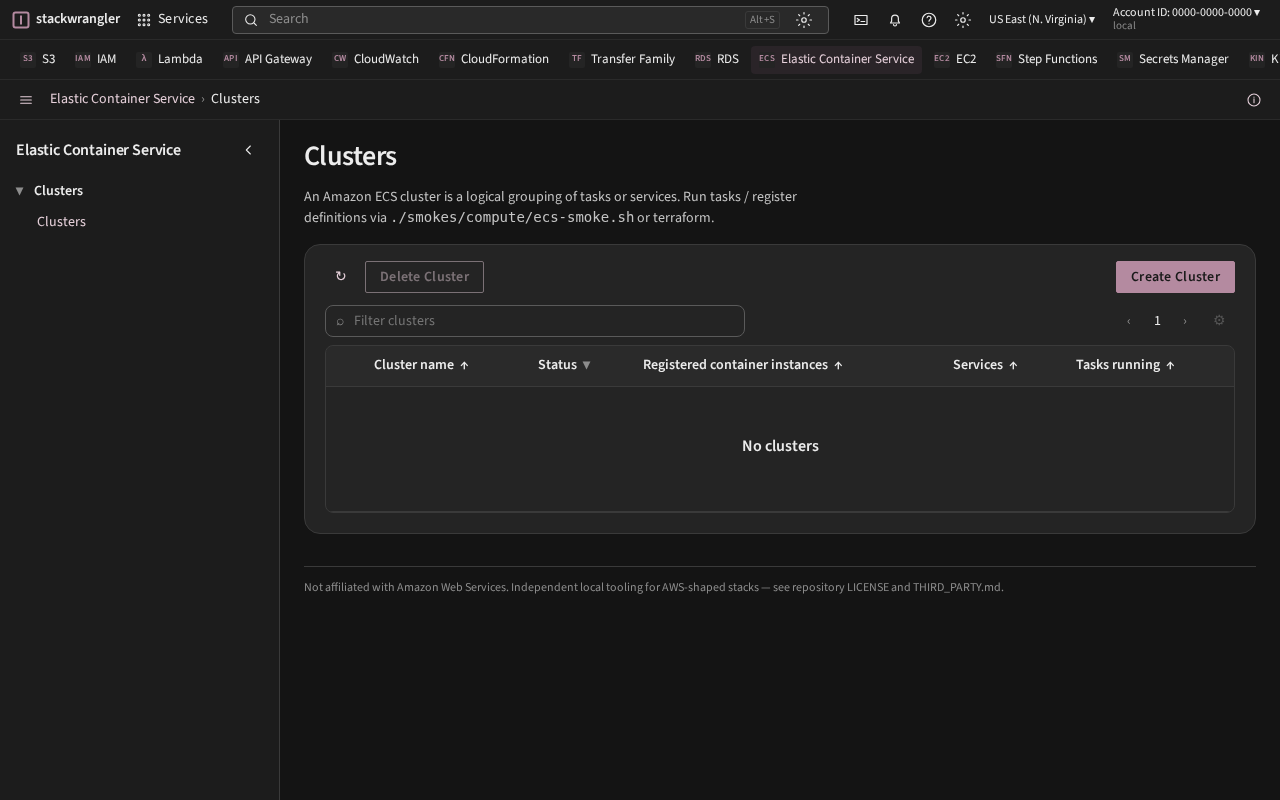
Screenshots from a local stack after ./bin/stackwrangler up (not the AWS Management Console):
More shots: Console tour.
Missing IAM, wrong trust, or a hop that never moves data fails locally the same way it would on real AWS — AccessDenied on the laptop, not in prod.
Stage with CLI, console, and IaC against profile local, then point the same shape at a real account.
Prefer deepening Transfer → Lambda → S3 → ECS → RDS over catalogue width of stub APIs.
MIT-licensed. Not affiliated with Amazon Web Services. Not a hosted AWS substitute.
Ready? Getting Started · Compare · Architecture · Fidelity · Use cases · Completeness
Docs also run locally: cd docs-site && pnpm install && pnpm dev → docs-site README. Hosted: stackwrangler.dev.