Console tour
Screenshots from a local stackwrangler console (grey rose theme, real data after ./bin/stackwrangler up). These are not AWS Management Console recon images.
Assets live in shared docs/assets/console/ (also used by the public README work).
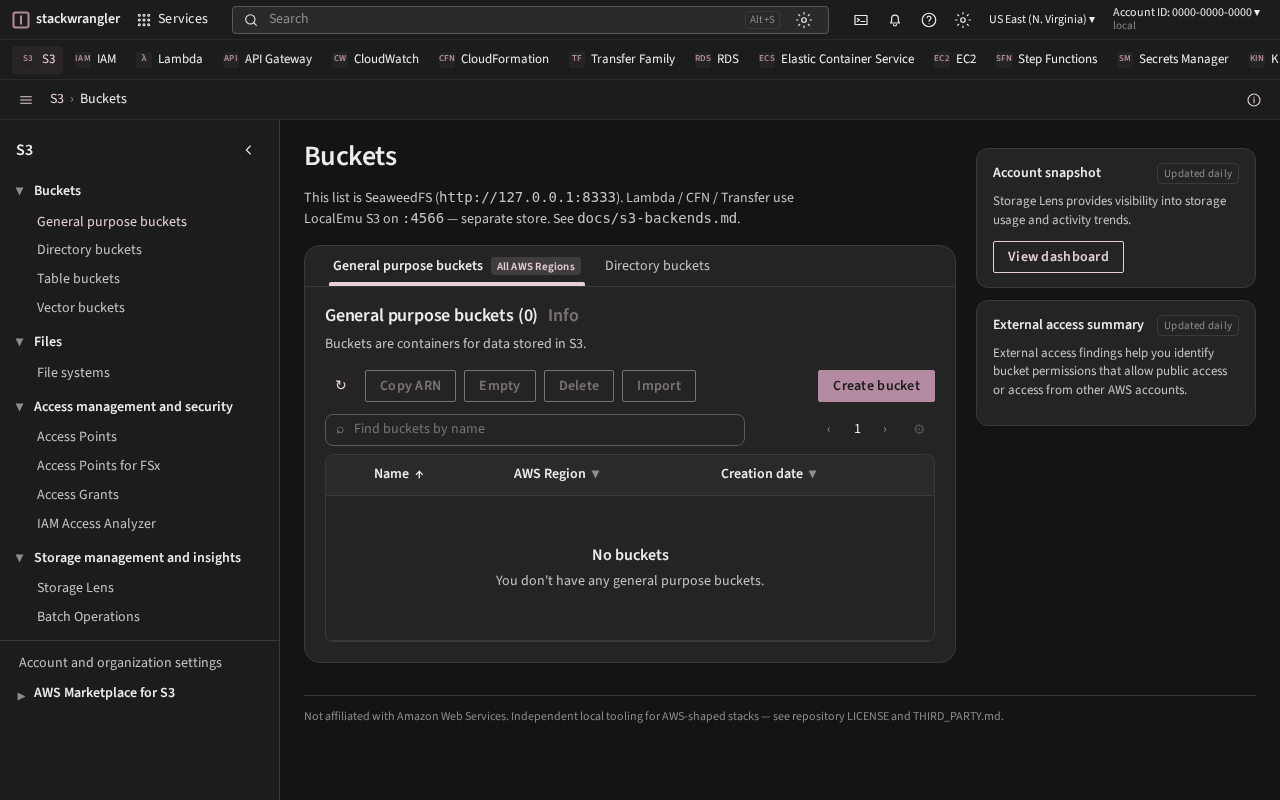
Home — S3 buckets
General purpose buckets UI talks to LocalEmu S3 (same org-path brain as aws --profile local).
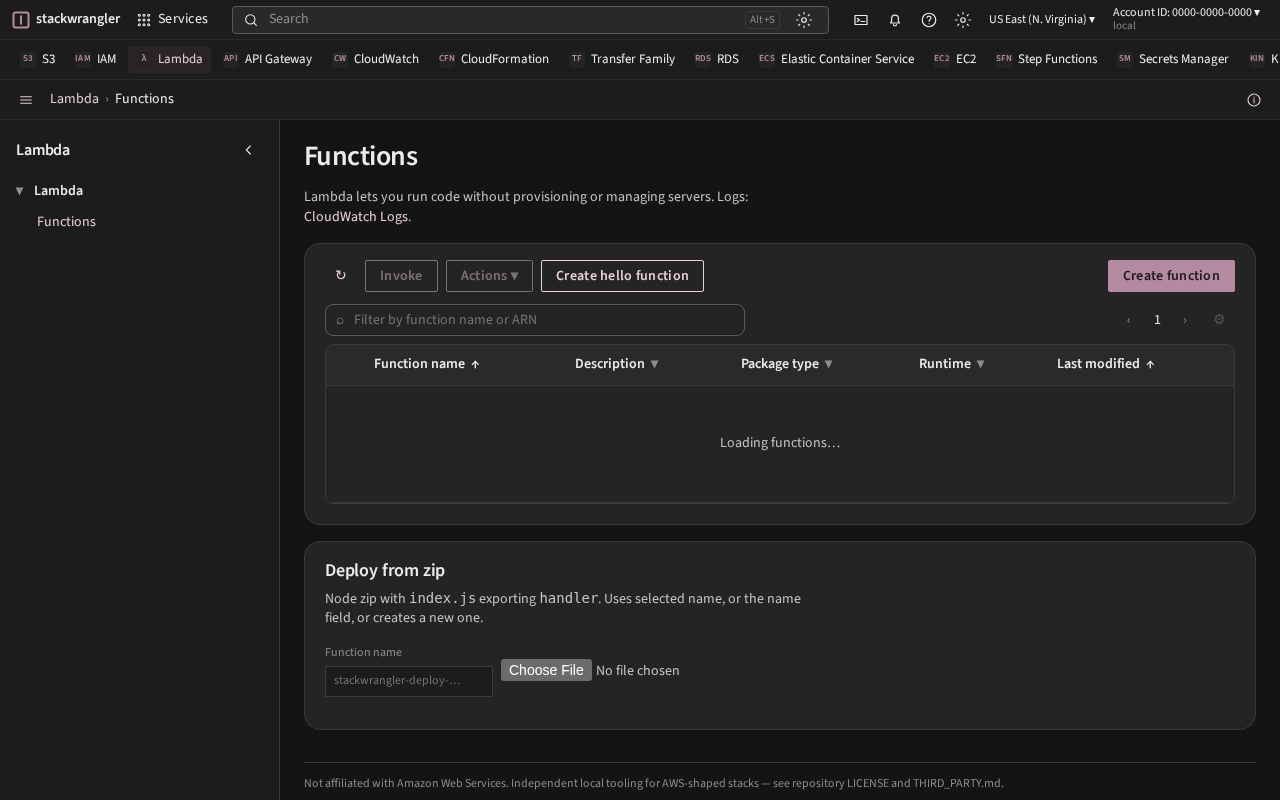
Lambda
Functions list against LocalEmu (:4566). Create and detail (Monaco) are wired for the happy path.
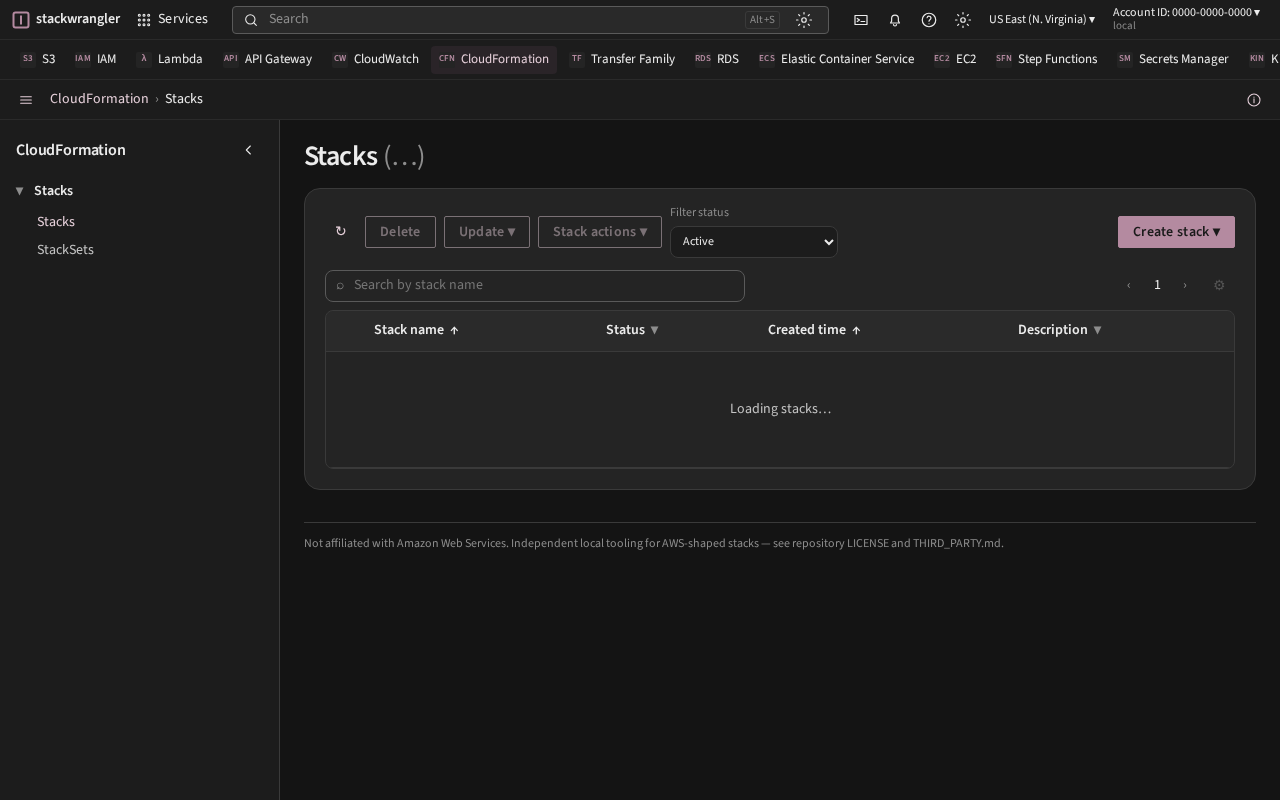
CloudFormation
Stacks list/detail plus Create stack (upload or paste template, then poll status) for the local CFN path used by CDK / SAM / examples. Update stack (template replace) and change sets (list / detail / execute / delete) are wired.
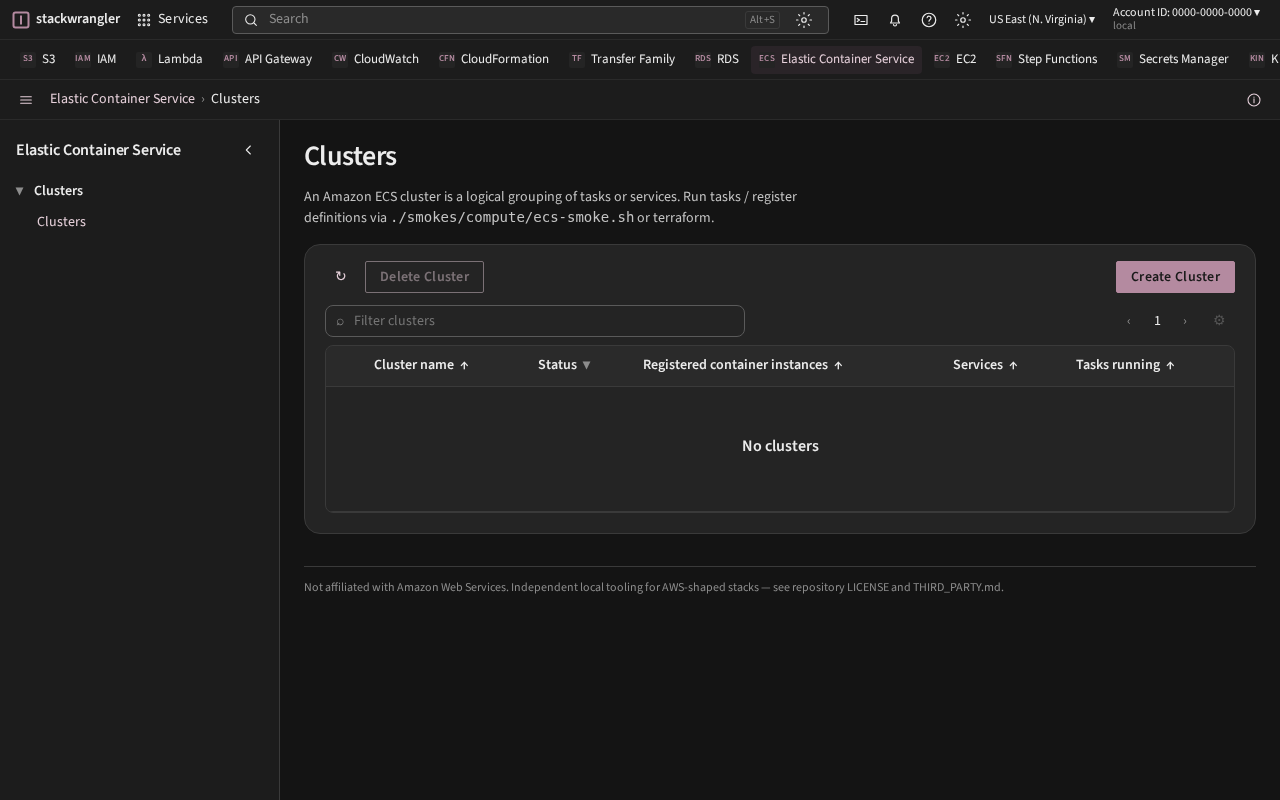
ECS
Clusters / services / tasks — Partial depth; good enough to see what is running locally.
EC2
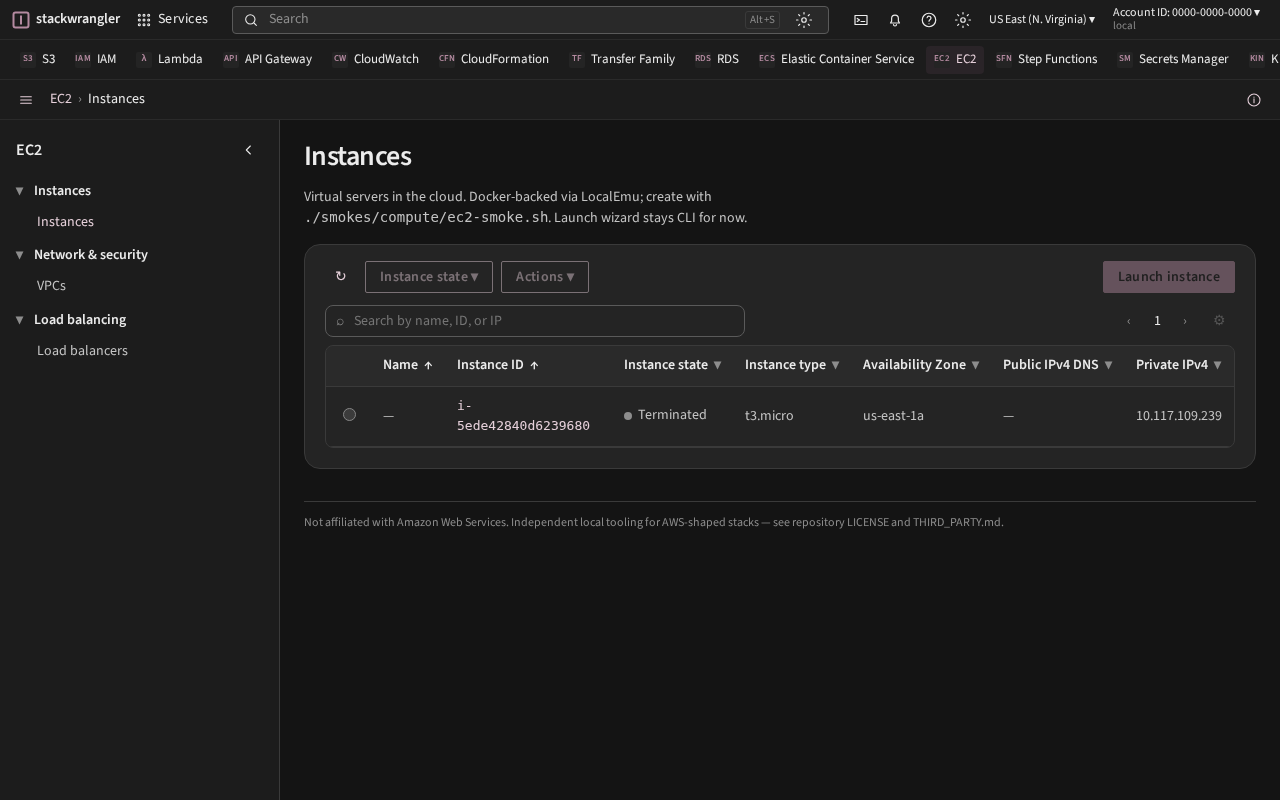
Instances list — Partial console depth.
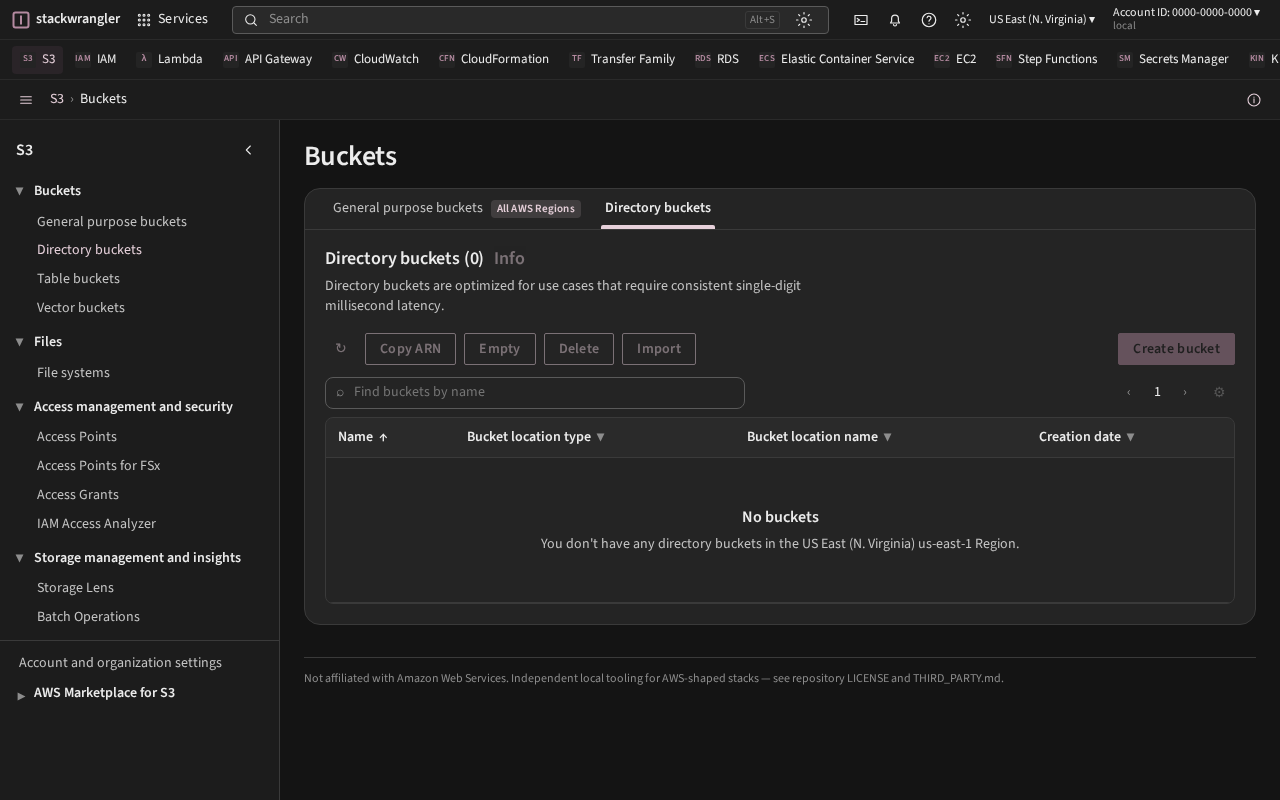
Honest empty chrome
Specialty bucket types are console chrome only — empty states, not a fake data plane.
Architecture map
Experimental live topology map — coming with #389 (not on main yet). Add a screenshot here once that console page ships; do not substitute AWS recon PNGs from design/.../refs/.
Try it
./bin/stackwrangler up
./bin/stackwrangler consoleThen open http://127.0.0.1:3000 and walk S3 → Lambda → ECS / EC2 → an empty specialty page.